
Link your Plex account
Welcome new user! So you are ready to get started and get logged into some of the many different features available to you through your Plex account. The way this process works is if you are already setup on the LANoftheDead Plex server you are able to use your plex login to login to the SSO service we used which is called Authentik. This will allow you to use one login on multiple services throughout our network without having to login to each one multiple times. Some of the services we have are ONLY available through this method so getting this setup will be a must.
IF YOU ARE NOT ALREADY A USER ON THE PLEX SERVER THIS GUIDE WILL NOT WORK!!!
- Step 1 - Head on over to the link provided to you during sign up. (The link will not be provided in this guide for security reasons as this is a public guide, if you did not receive this please reach out on Discord).
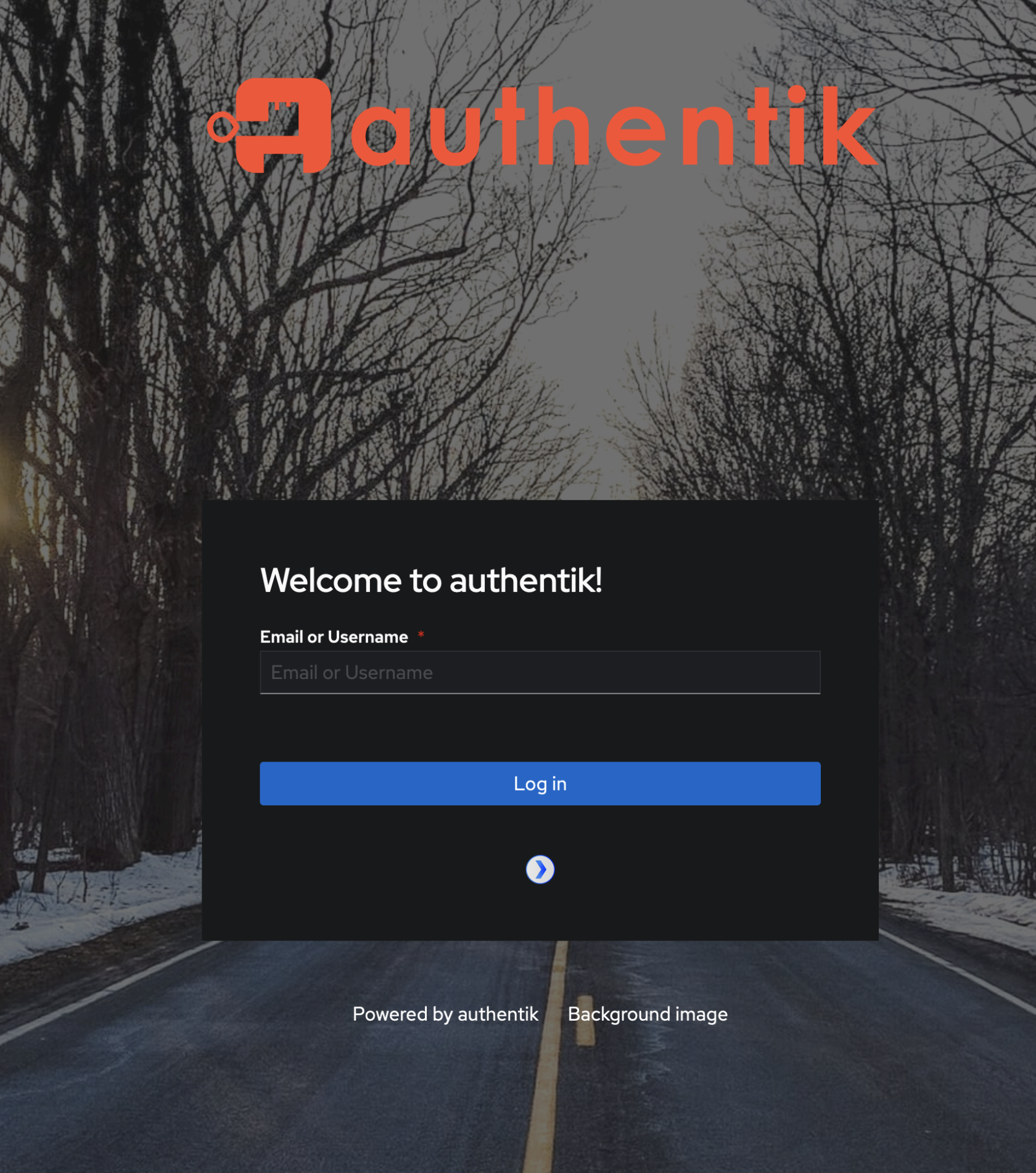
You will land on a page that looks like this, you will NOT be using the email portion but rather clicking on the small Plex icon below the login button. - Step 2 - Next you will be brought to the plex.tv webpage where you will be asked to login with your plex account. Choose the last option of email unless you have previously linked your account to one of the other login methods listed.
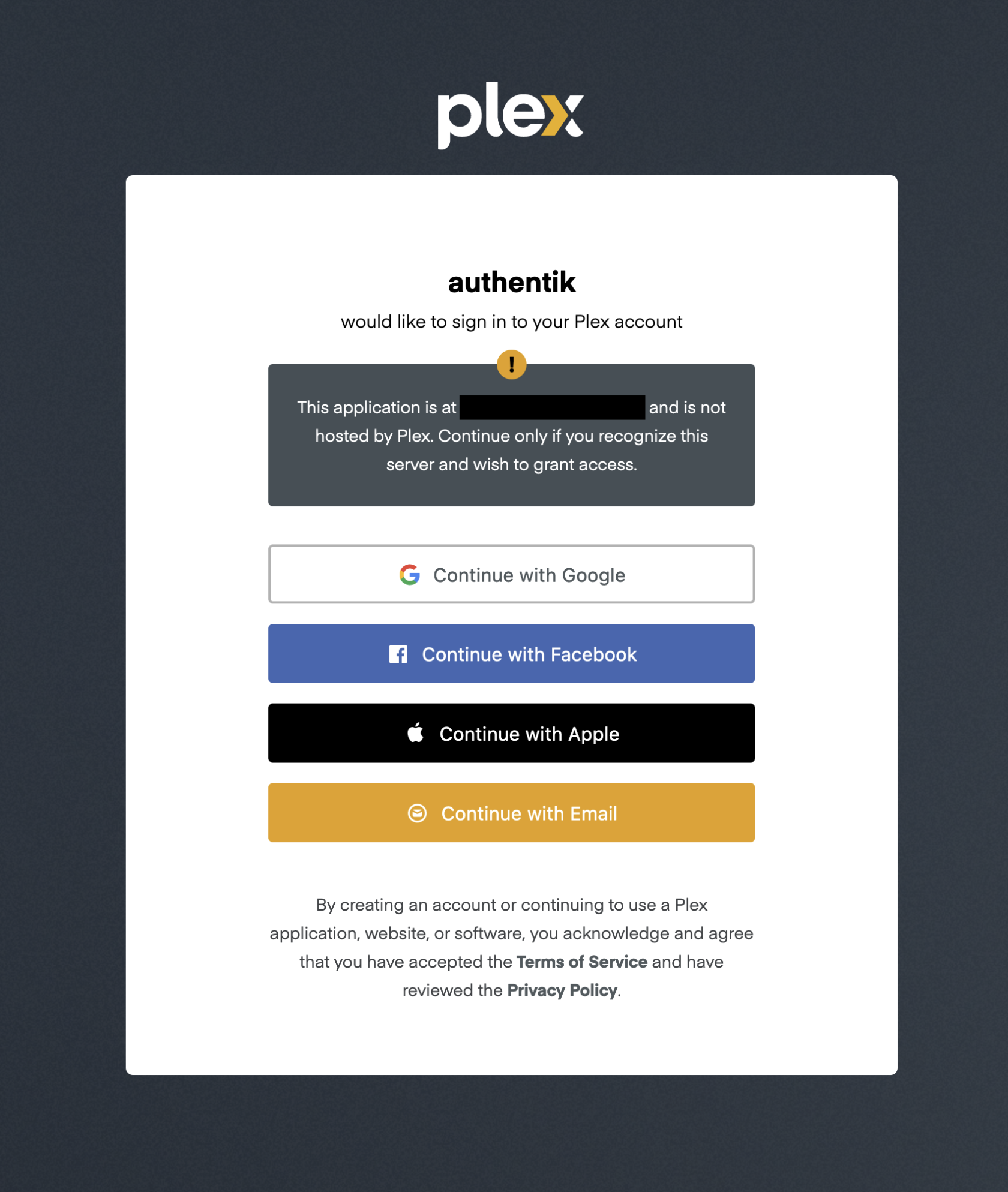
Once you have logged into your plex account it will ask you to confirm using your plex account with authentik. And then you will be directed to the authentik dashboard showing you the apps you have access to.
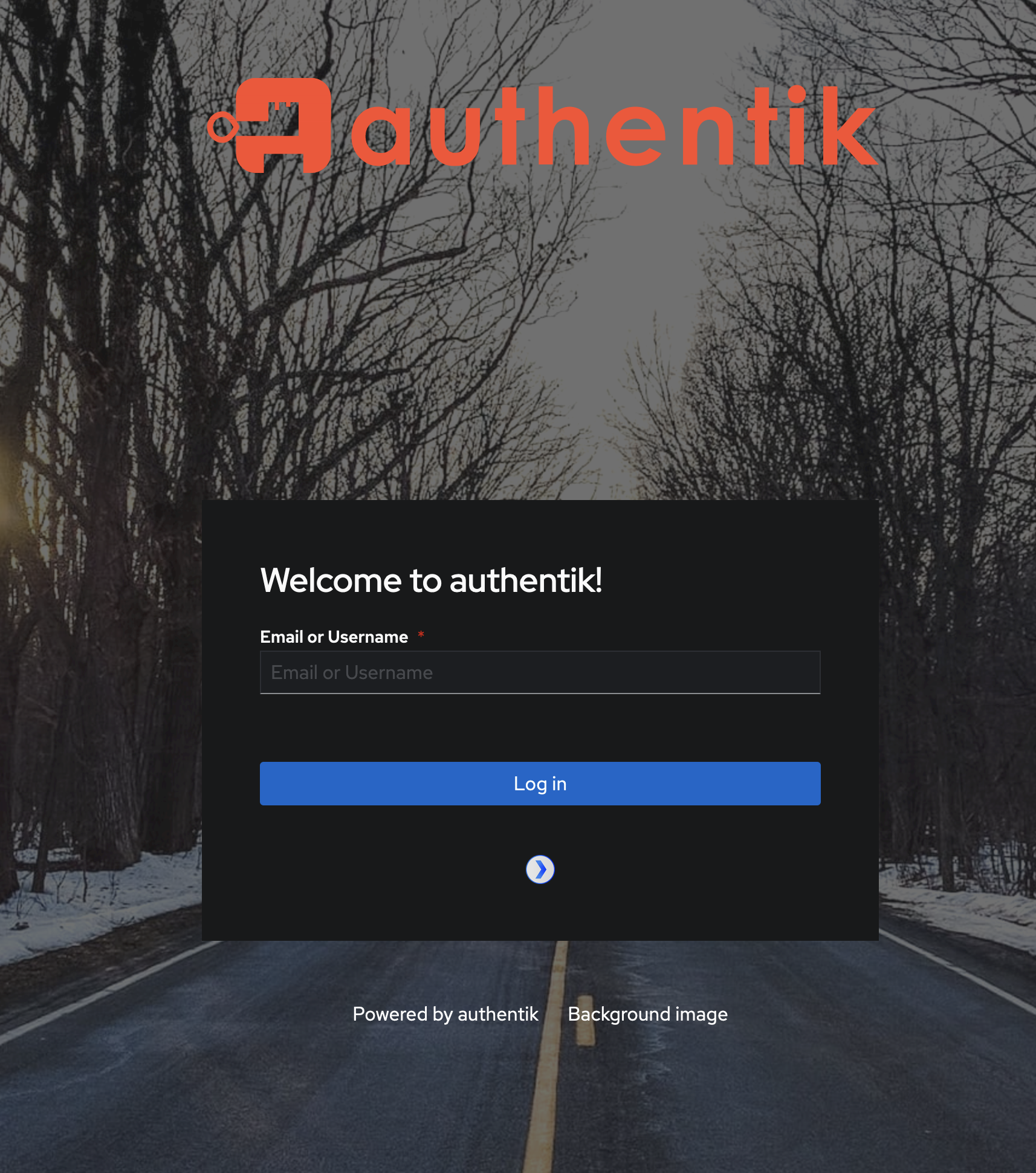
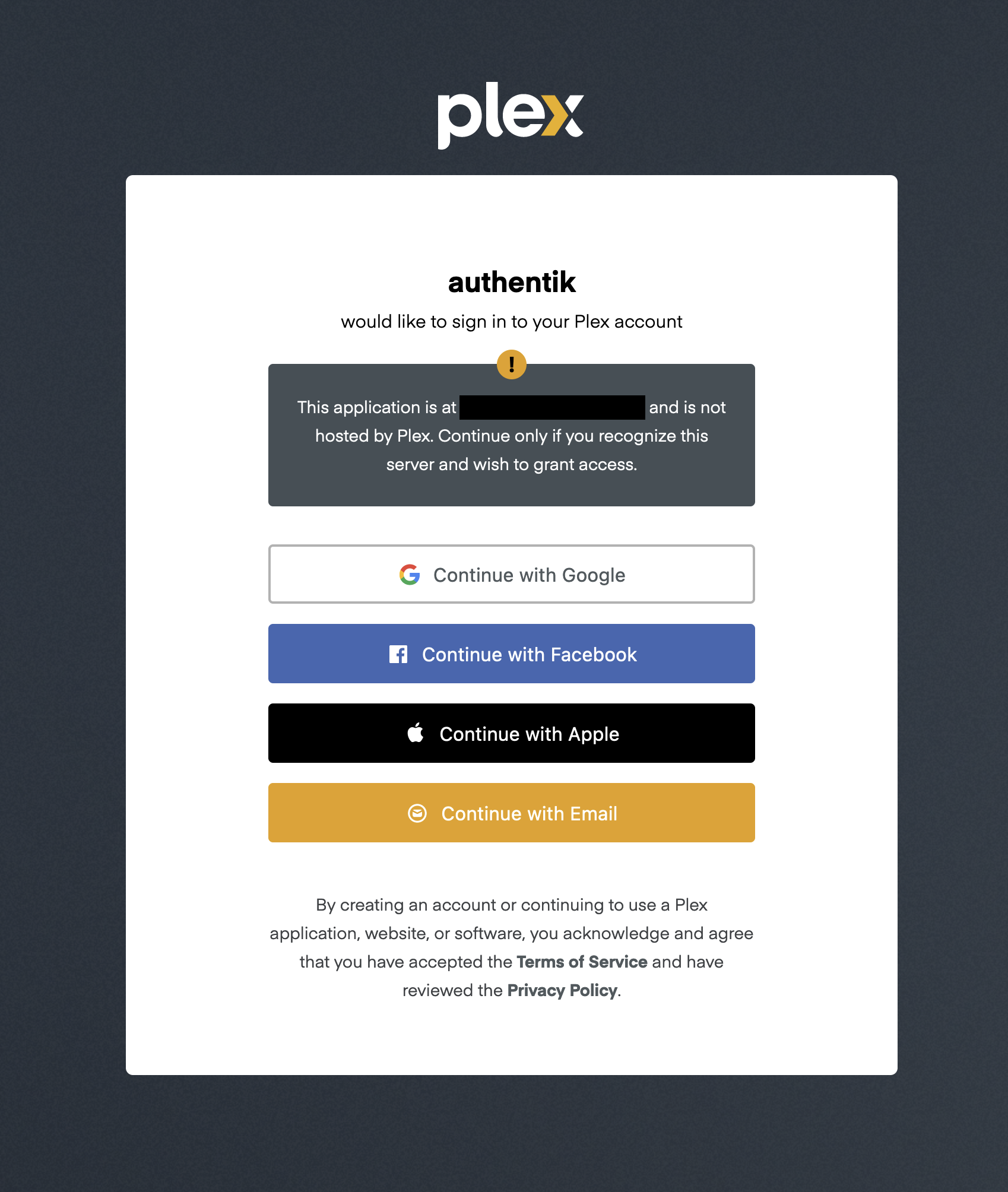
And that's it, you have not successfully logged into the SSO that LANoftheDead uses for some of the apps and services available to our members. You are now able to return to guides.lanofthedead.xyz and then login which should automatically login for you and you can now view the other guides available.
If you have any questions about this reach out on Discord for support.
No comments to display
No comments to display